
Your signature and stamp, on any document in two taps.
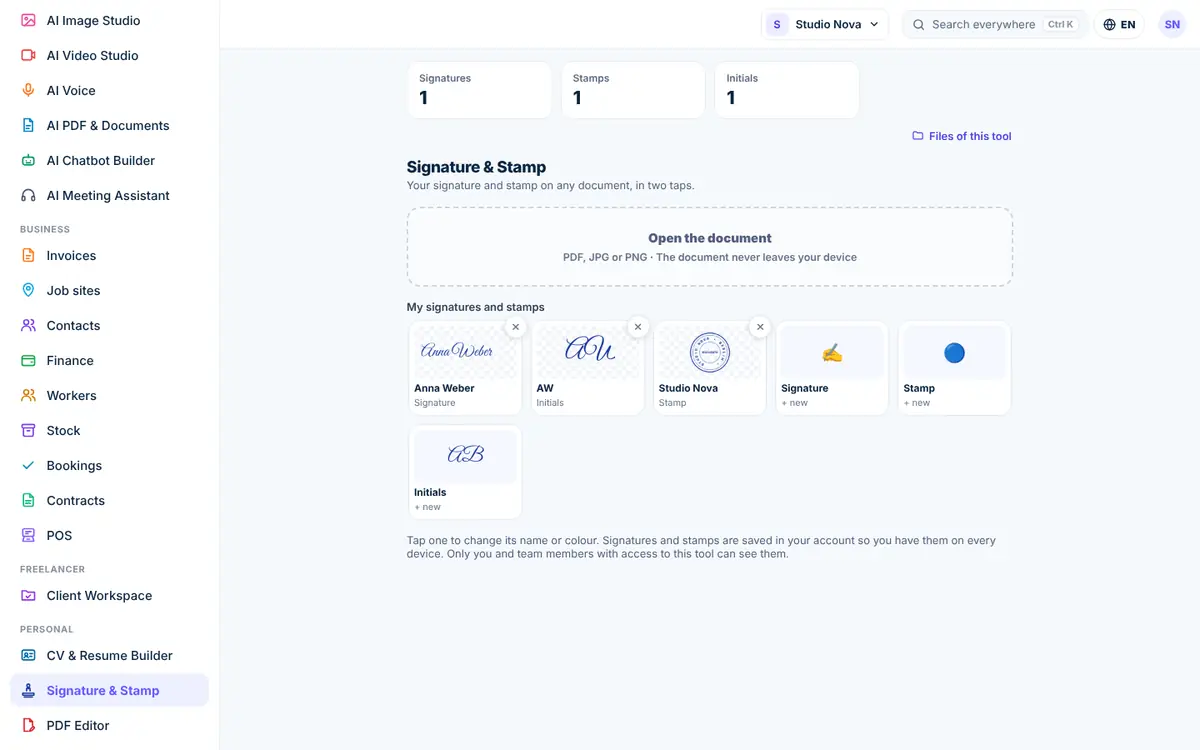
Your electronic signature and stamp, saved once and placed on any document in two taps.
Start free with Signature & StampFree, no credit card. Or log in
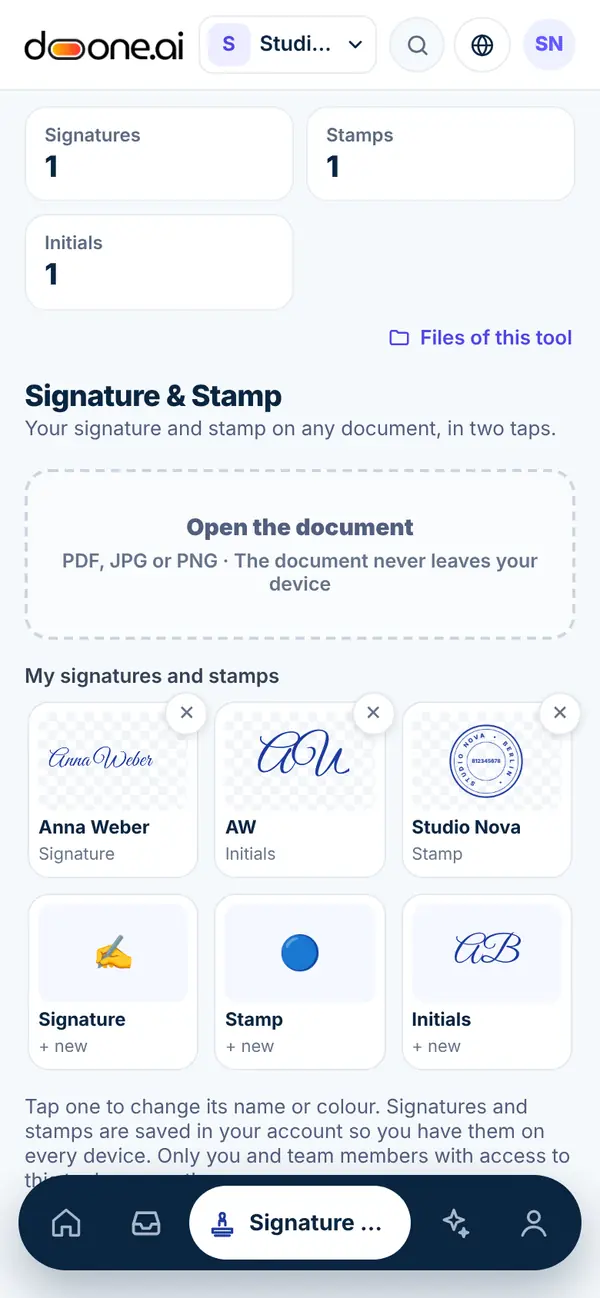
Signatures, initials and stamps are saved in your account, on your phone and computer.
Stamp a sheet of white paper and take a photo. The paper is removed, even with shadows, and only the stamp remains.
Tap your signature and it lands under the word “Signature” on the page, at real size.
Type your business name and number and get a round or rectangular stamp.
How to start
- Save your signature and stamp
- Open the PDF or photograph the document
- Tap, place and save the PDF
Use just this tool, with nothing else around it. It opens as soon as you sign in.
When you need more, add other tools to the same business or as a separate business.
Works on any device, even offline for a while.
Frequently asked questions
Is the document sent to a server?
No. The document is processed on your device. Only your signatures and stamps are stored in your account.
How big is the stamp on paper?
Like the original: a round stamp is 40 mm, a signature up to 52 mm, as on an A4 sheet. You can resize it.
Is it a certified digital signature?
No. It's the image of your signature and stamp on the document. Documents that legally require a qualified certificate need a certified provider.