
Clients book themselves, you just get the notification.
A public page where customers book their own appointment, with a calendar, opening hours and email notifications.
Customers book, you just see it.
Start free with BookingsFree, no credit card. Or log in
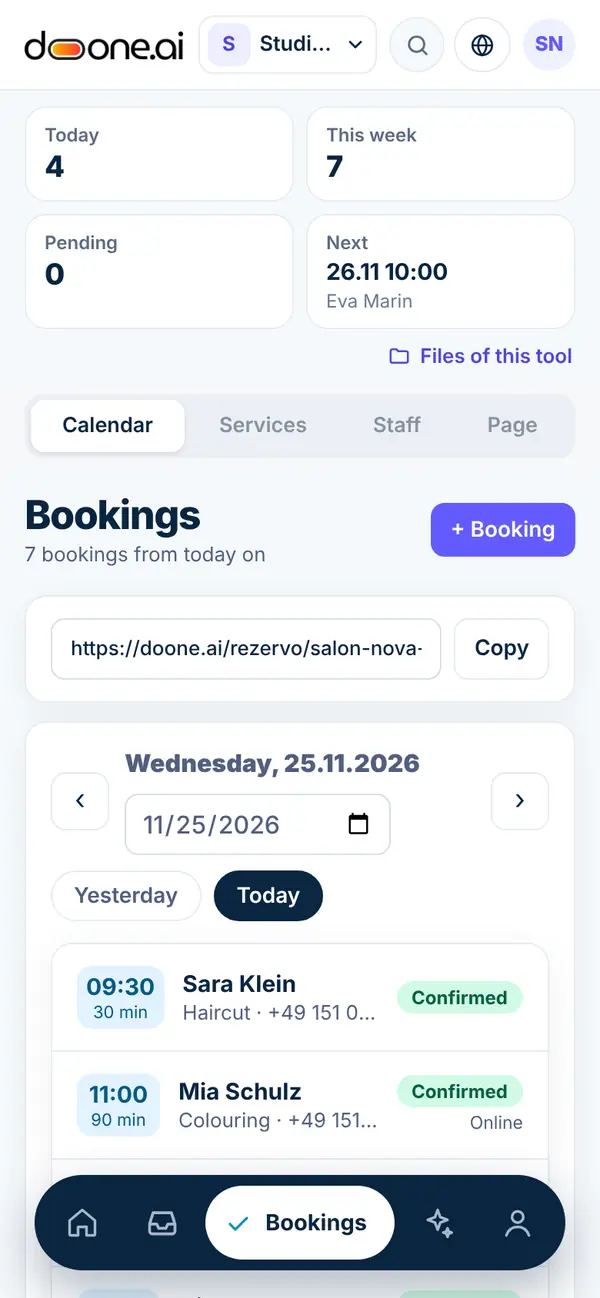
A link where clients pick the service, day and time, 24 hours a day.
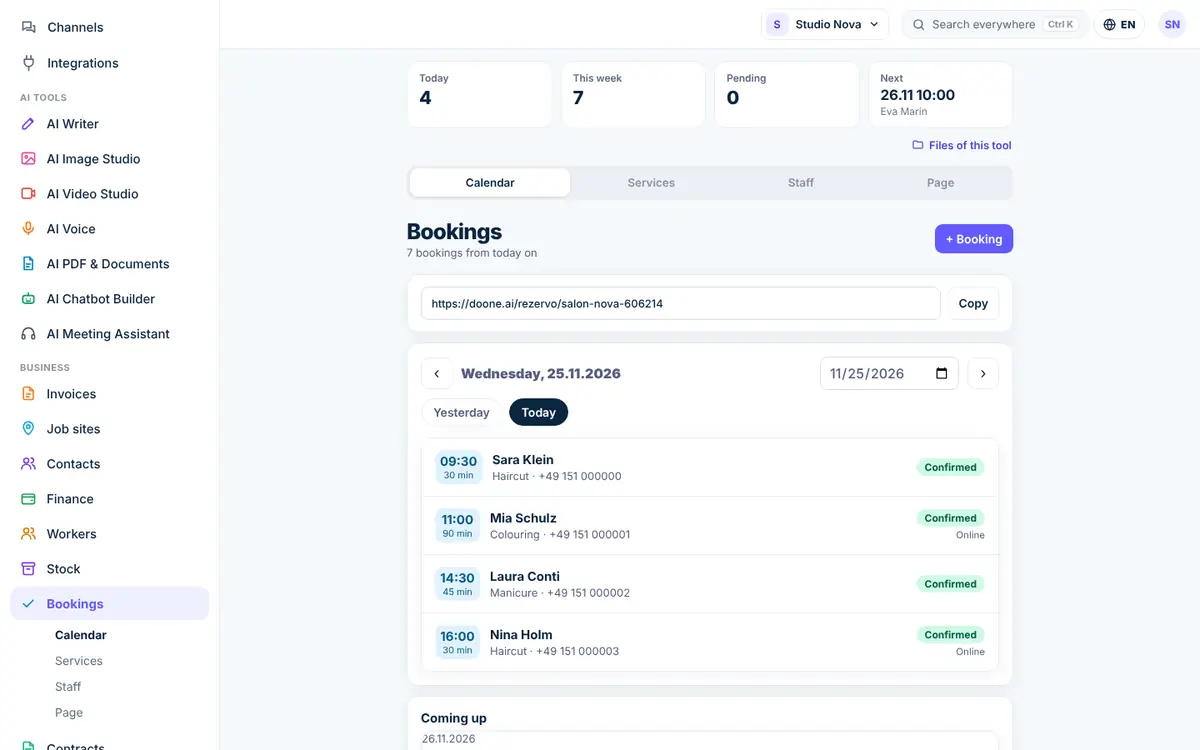
Every appointment of the day and week, with service, length and client.
Clients get a confirmation and a reminder before the appointment, so no-shows drop.
Opening hours, breaks and staff, so there are no double bookings.
How to start
- Add your services and hours
- Share the link on Instagram, Google or your website
- Accept bookings and follow them in the calendar
Use just this tool, with nothing else around it. It opens as soon as you sign in.
When you need more, add other tools to the same business or as a separate business.
Works on any device, even offline for a while.
Frequently asked questions
Can I take a deposit?
Yes, with Stripe clients can pay a deposit when they book.
Can I add bookings myself?
Yes, including ones that come by phone or walk in.
Does it work in other languages?
Yes, the booking page shows in the client's language.