
Professional invoices in a minute, paid faster.
Create invoices with your clients, services and bank accounts. 6 designs, PDF and payment QR.
Write a request and the AI fills in the invoice for you.
Start free with InvoicesFree, no credit card. Or log in
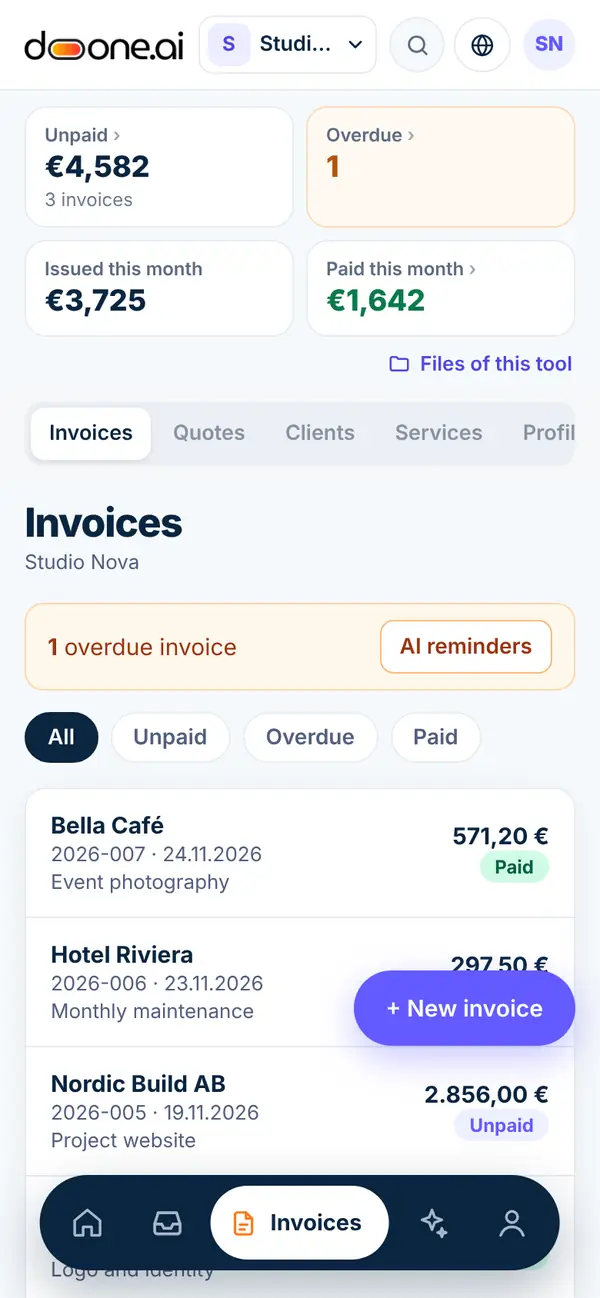
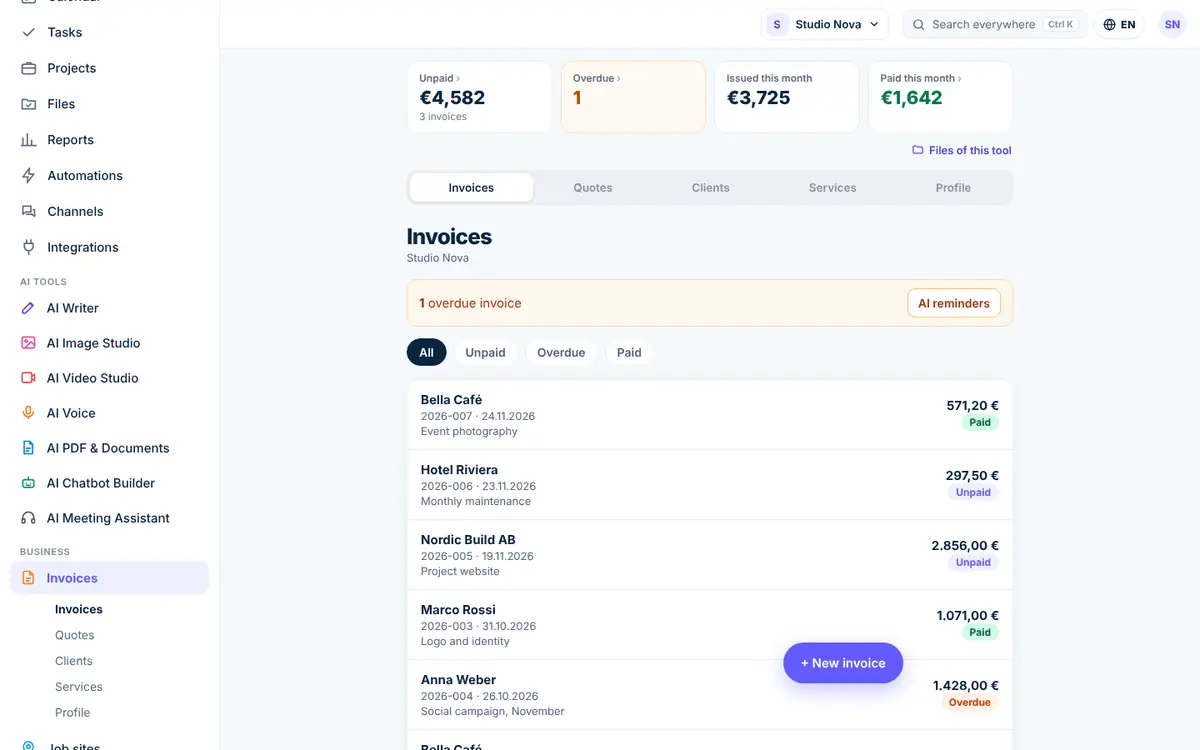
Pick the client and services; numbering and VAT are calculated for you. 6 designs with your logo and colours.
Every invoice has a payment link and a QR code with your IBAN. The client pays, the invoice is marked paid.
See who is overdue right away and send a polite reminder written by AI.
Send a quote, the client accepts it online and you turn it into an invoice with one click.
How to start
- Add your business details and logo
- Add your clients and the services you sell
- Create the invoice, email it or download the PDF
Use just this tool, with nothing else around it. It opens as soon as you sign in.
When you need more, add other tools to the same business or as a separate business.
Works on any device, even offline for a while.
Frequently asked questions
Are invoices saved as PDF?
Yes. Every invoice is saved as a PDF in Files automatically, and you can download it any time.
Can I invoice in other currencies?
Yes, pick the currency per invoice and totals are split by currency.
Does it connect to the sales book?
Yes. If you also use Finance, every invoice appears there as a sale, no double entry.