
PDF Editordoone.ai
Edit, merge and compress PDFs, right on your device.
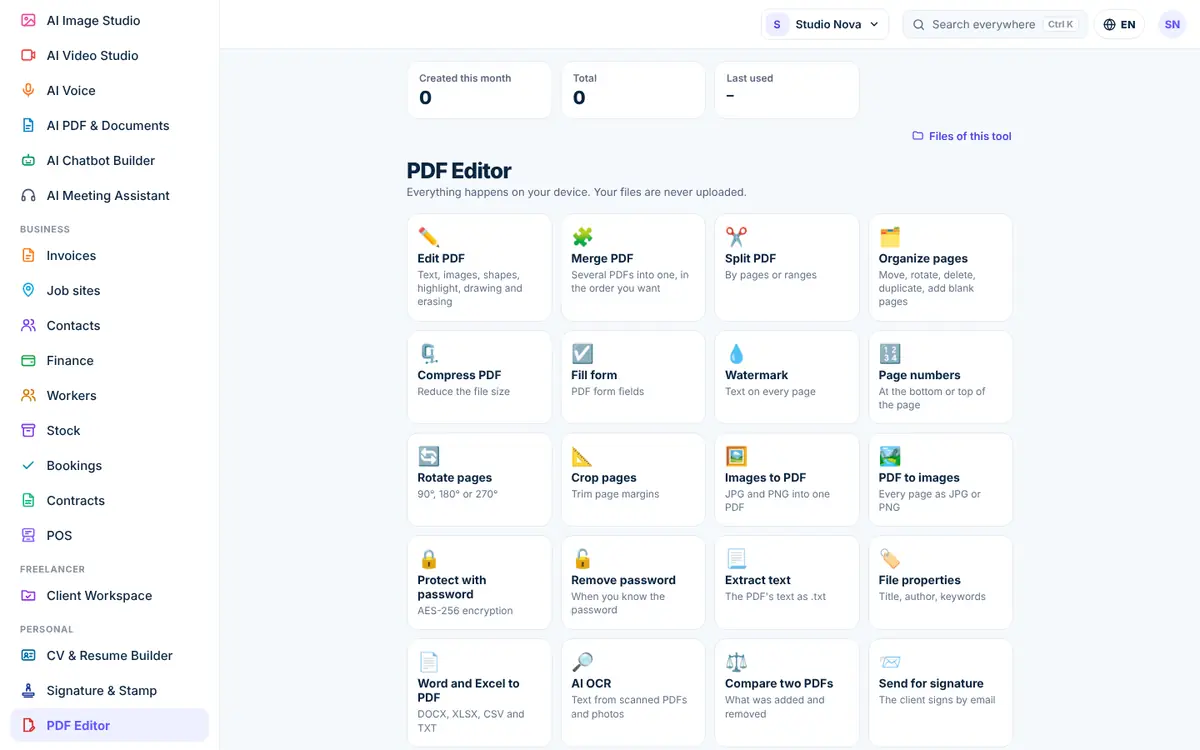
Edit, merge, split, compress and protect PDFs, right on your device.
Like Sejda, without uploading your files anywhere.
Start free with PDF EditorFree, no credit card. Or log in
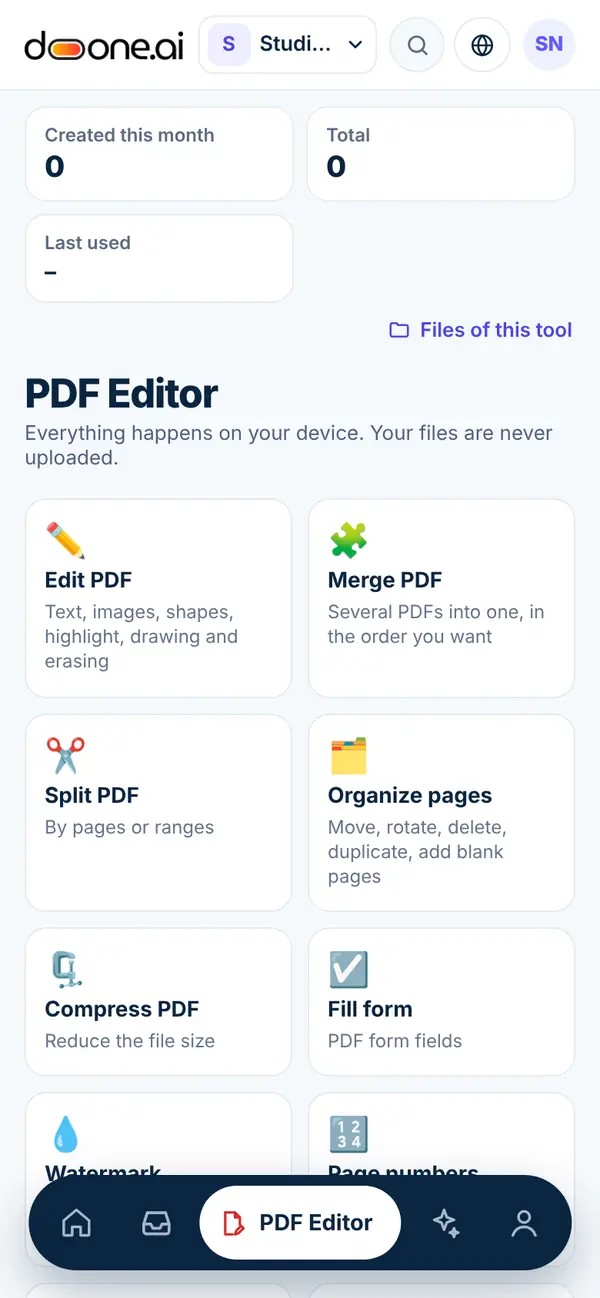
1Edit PDF
Add text, images, shapes and drawings to any page.
2Merge, split, compress
Combine several PDFs, split pages or reduce file size.
3Send for signing
Send the PDF with a link and the client signs from their phone.
4Private
Files are processed on your device and not sent anywhere.
How to start
- Open the PDF
- Choose what you need to do
- Download the new file
Only what you need
Use just this tool, with nothing else around it. It opens as soon as you sign in.
Grows with you
When you need more, add other tools to the same business or as a separate business.
On phone and computer
Works on any device, even offline for a while.
Frequently asked questions
Are files uploaded anywhere?
No, processing happens in your browser.
Can I password-protect a PDF?
Yes.
Can I fill in PDF forms?
Yes, the fields are filled in directly.