
Client Workspacedoone.ai
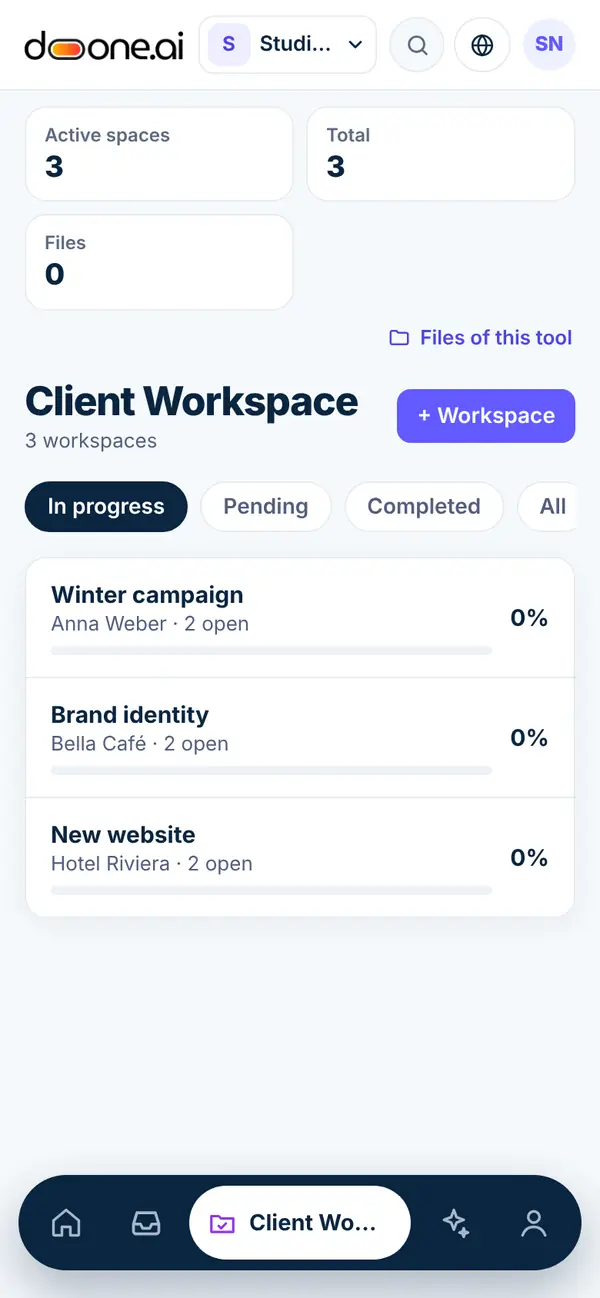
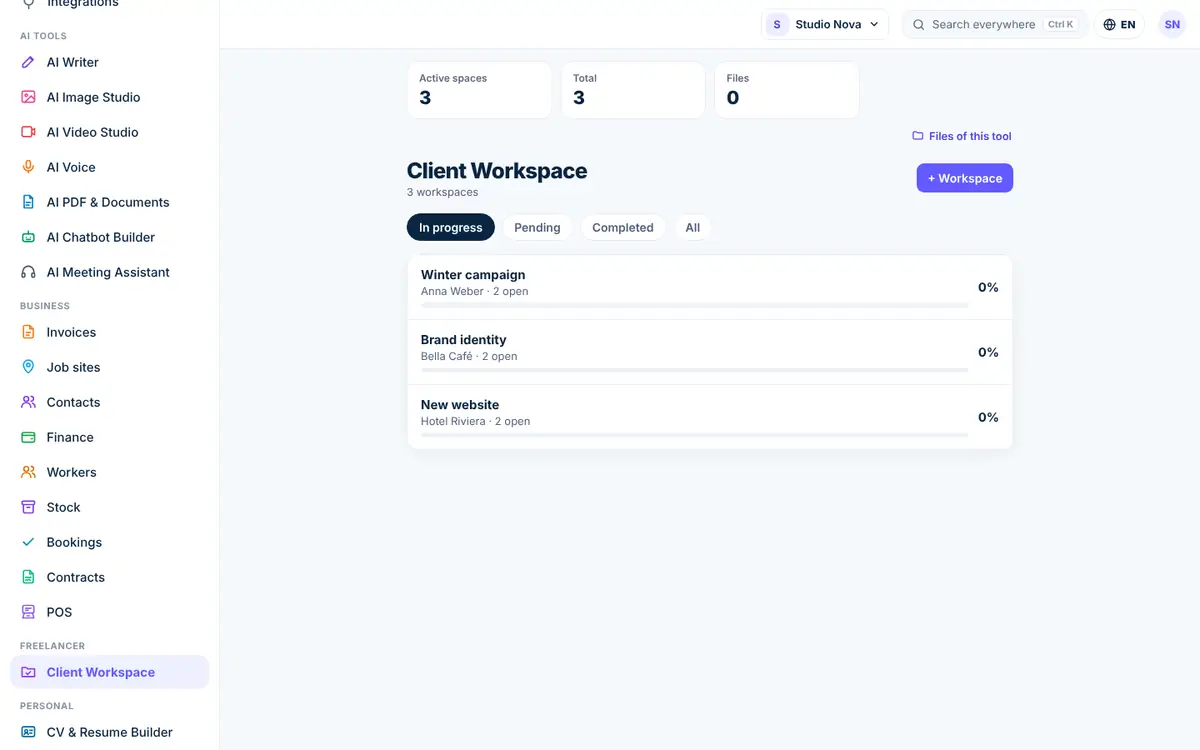
One space for you and your client: files, tasks and progress.
A shared space where freelancer and client share documents, tasks and progress.
Clients see progress without asking.
Start free with Client WorkspaceFree, no credit card. Or log in
1A link for the client
The client opens it without an account and sees the project's progress.
2Tasks and approvals
Who does what, by when, and the client approves with one click.
3Files and messages
Everything about the project in one place, away from lost emails.
4Invoices inside
The client sees invoices and pays them by card.
How to start
- Create the space for the client
- Add tasks, files and deadlines
- Share the link with the client
Only what you need
Use just this tool, with nothing else around it. It opens as soon as you sign in.
Grows with you
When you need more, add other tools to the same business or as a separate business.
On phone and computer
Works on any device, even offline for a while.
Frequently asked questions
Does the client need an account?
No, they use their own secure link.
Does the client get notifications?
Yes, by email for new messages and tasks.
How many spaces can I have?
As many as you have clients.